Linear
From the producer's rundown to the gallery, on one clock
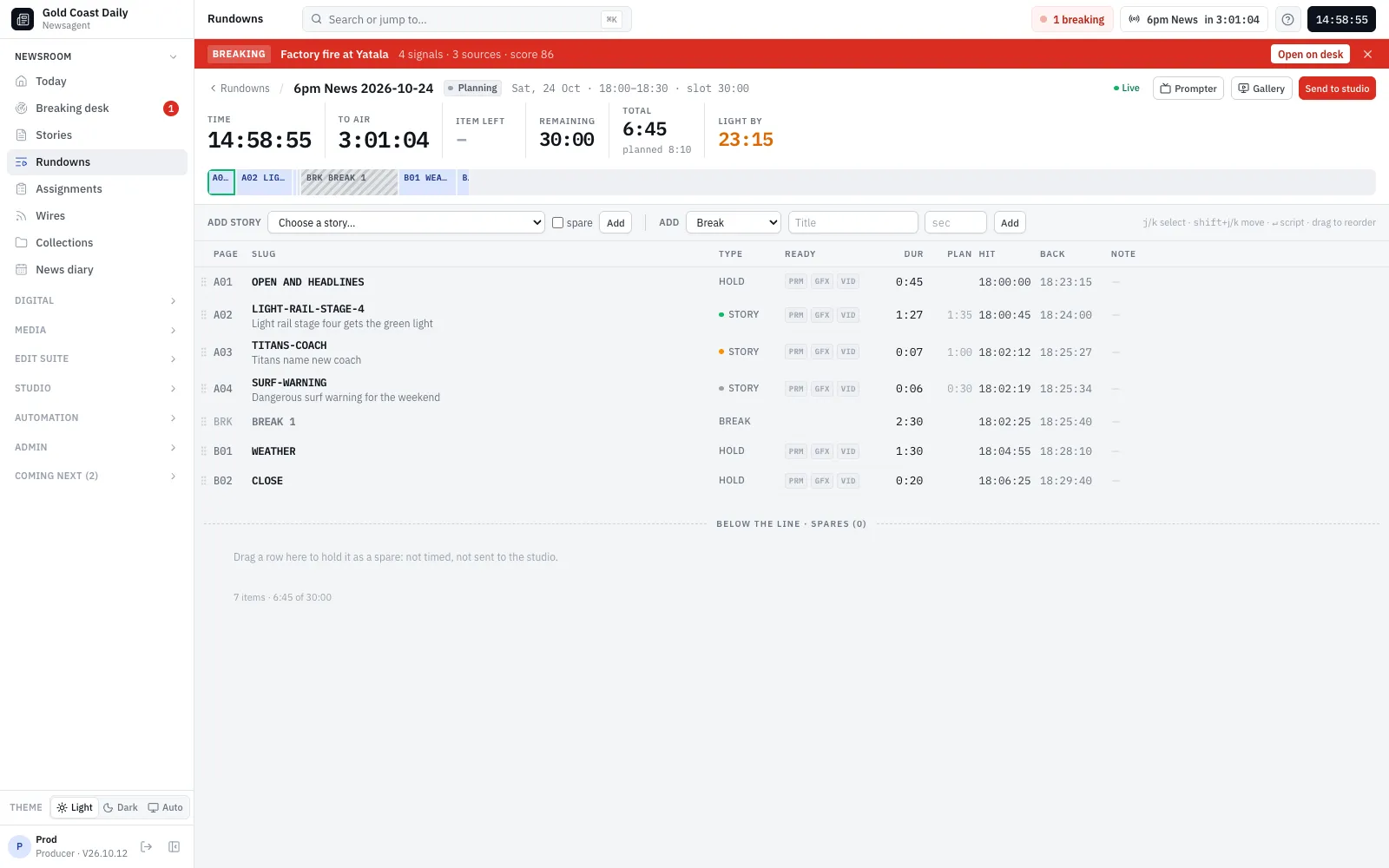
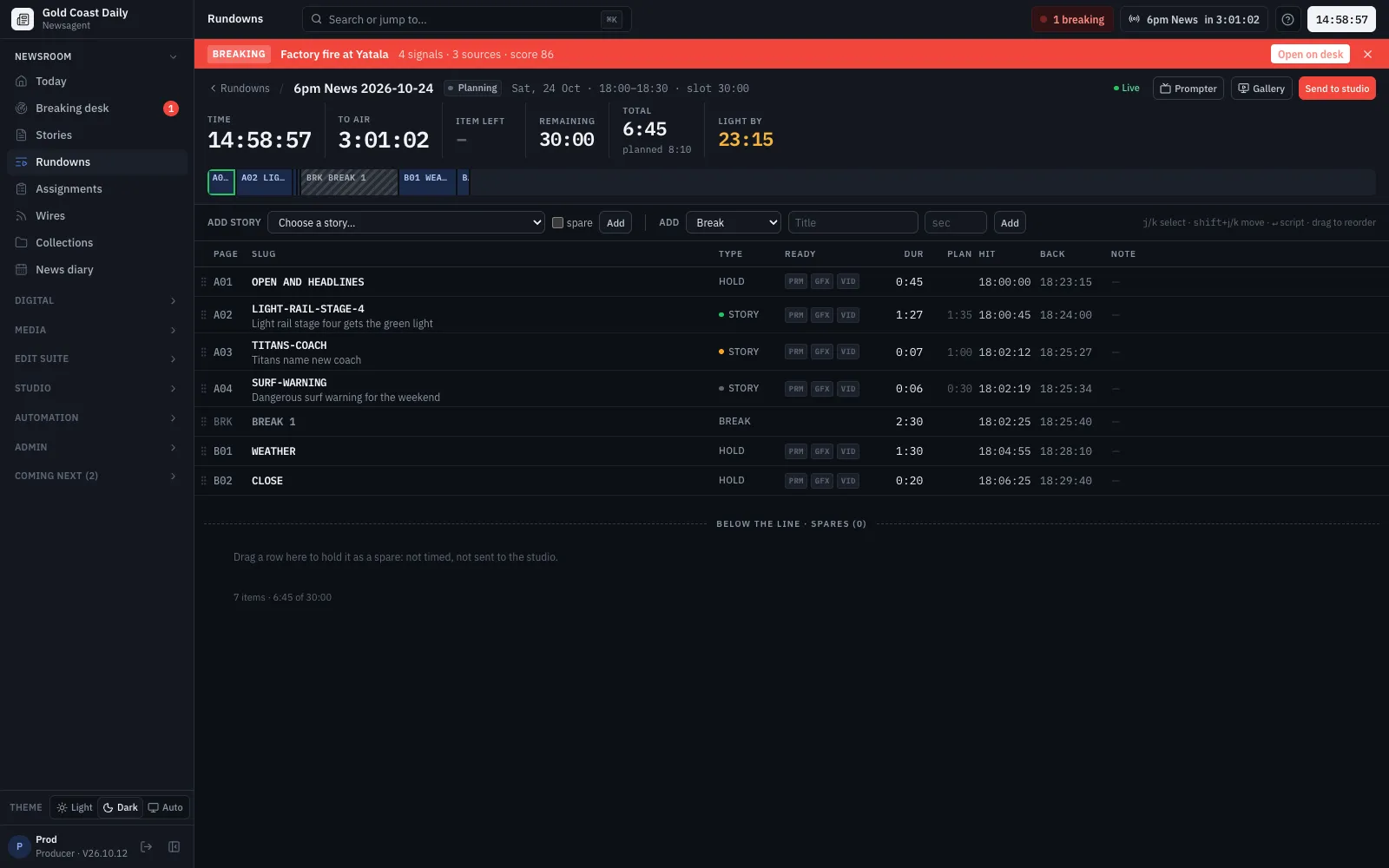
Rundowns, the prompter, the gallery and the studio wall share one running order and one clock. Once the gallery takes an item, every screen times the show from the take.
Rundowns
Timing you can trust, while the show changes
Live timing
Hit times, back times and over and under, recalculated with every edit, from the server's clock in your time zone.
Shows and series
A show's schedule and template make each day's rundown; spares sit ready to drop in.
Readiness
Each item shows whether its script, graphics and video are ready, so the producer sees gaps at a glance.
How it works
How a rundown is timed
Gallery
TAKE from the gallery, and an as-run log
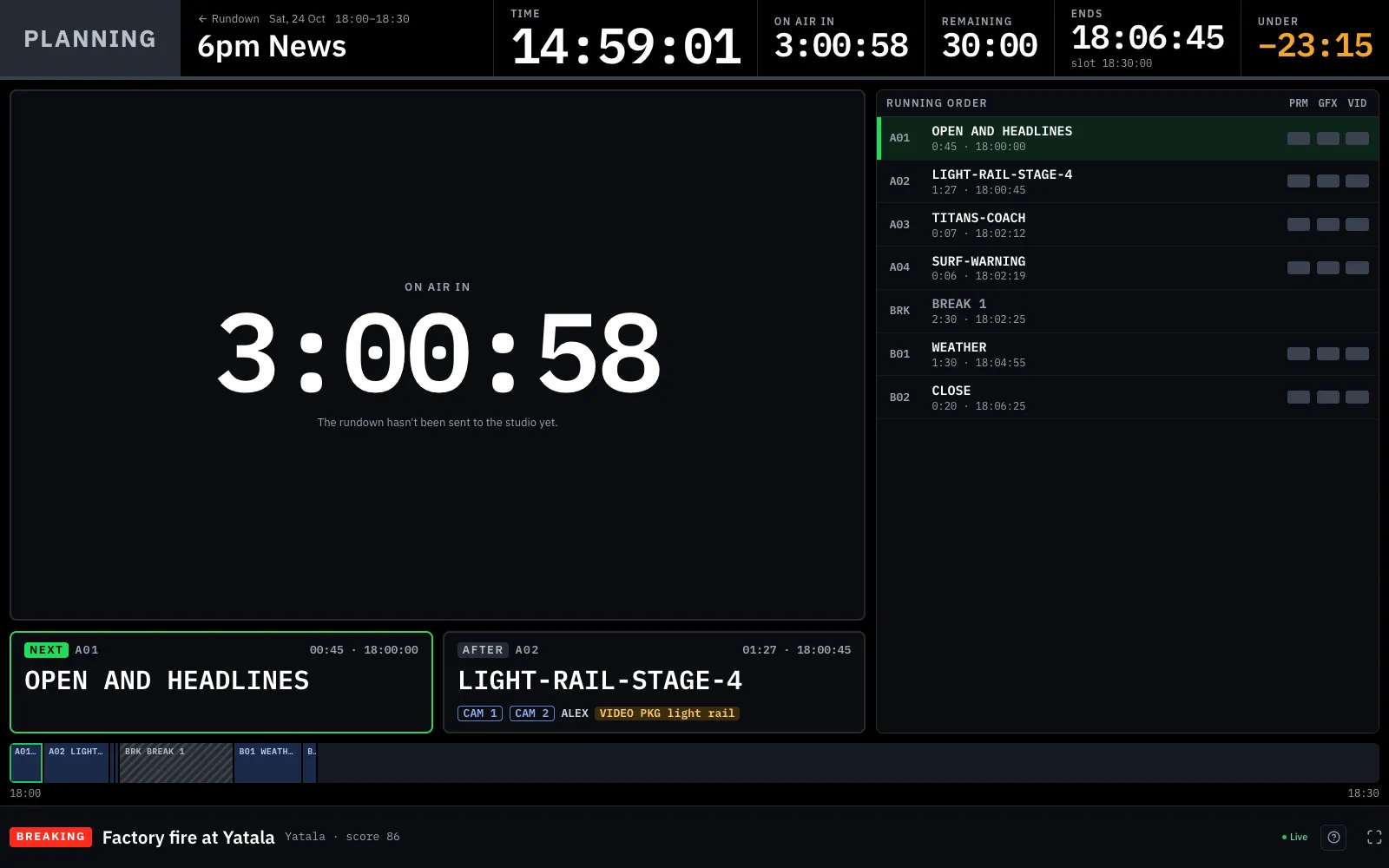
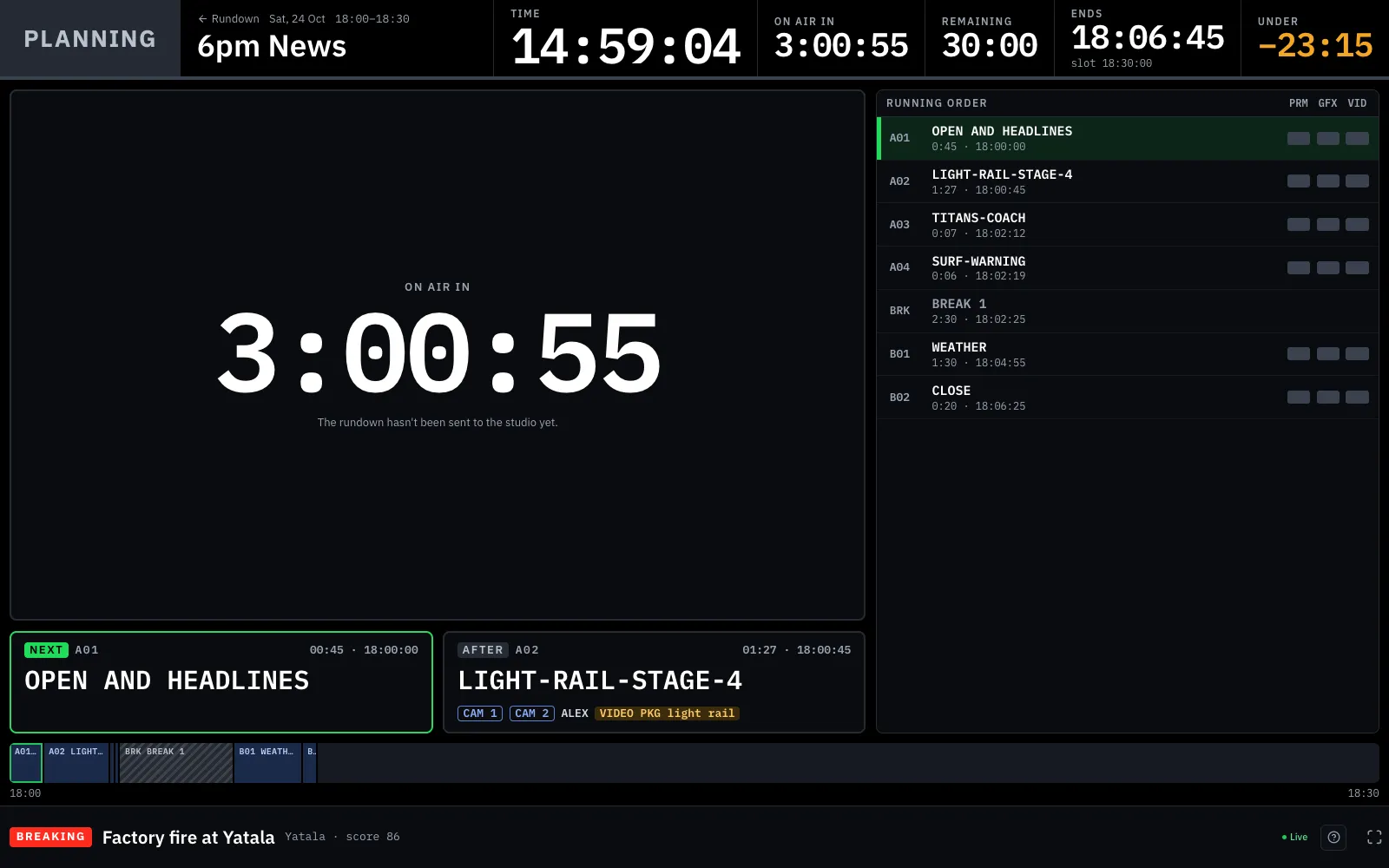
A full-screen, always-dark gallery view, made to be read across a dim room: what’s on air with its time left, next and after, the show’s clocks, and the timeline. Space takes the next item.
- Item time turns amber in the last ten seconds and red when it runs over
- Two screens can't skip an item: a take names what it thinks is on air
- Every take is logged, so you can compare planned and actual times
How it works
TAKE in the gallery
Studio wall
A multiviewer for the newsroom
Today’s shows as tiles with red and green tally borders and countdowns, the clock, breaking events and the wires rate, in a 2×2, 3×3 or 4×4 grid for a screen in the newsroom or the gallery.
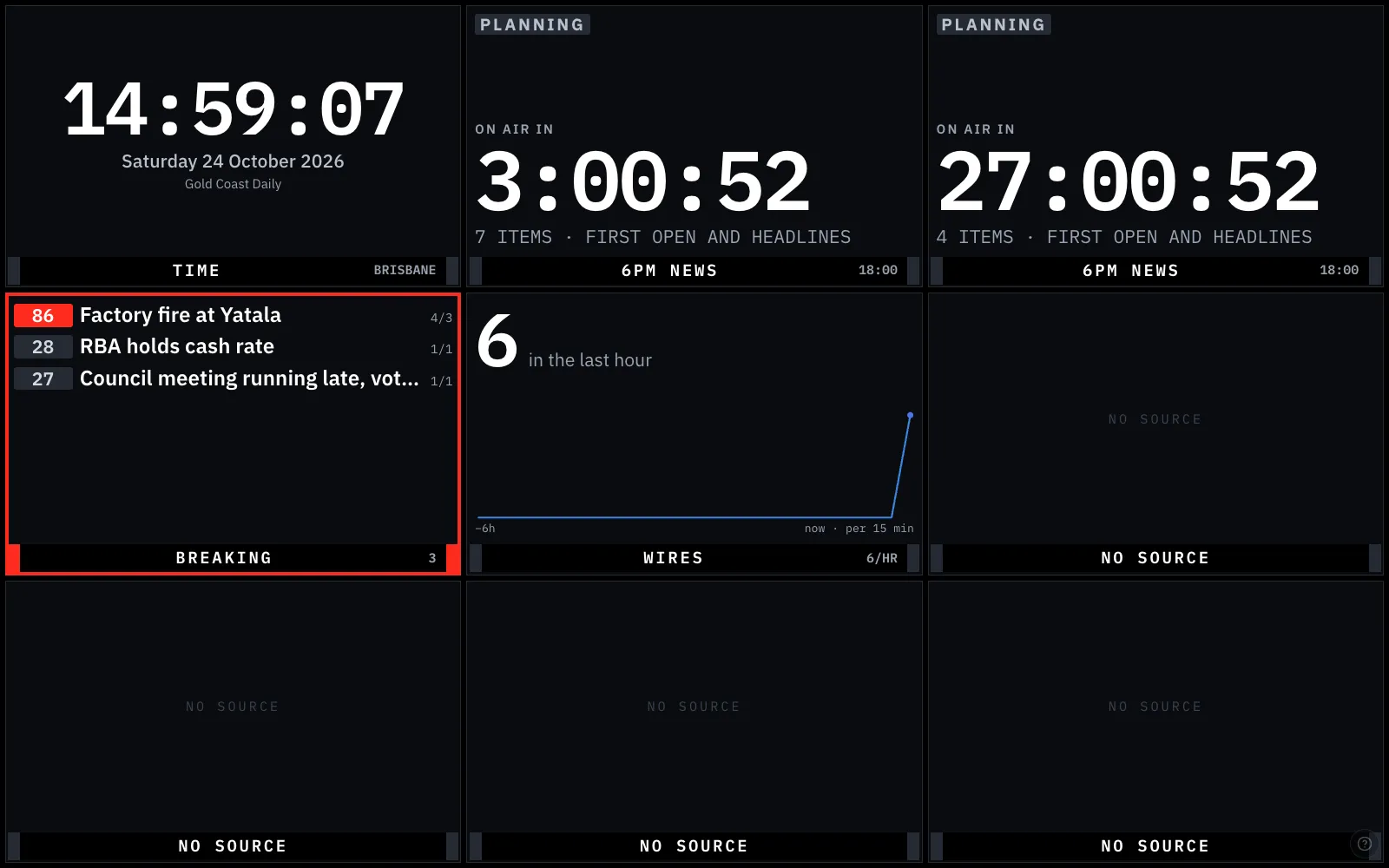
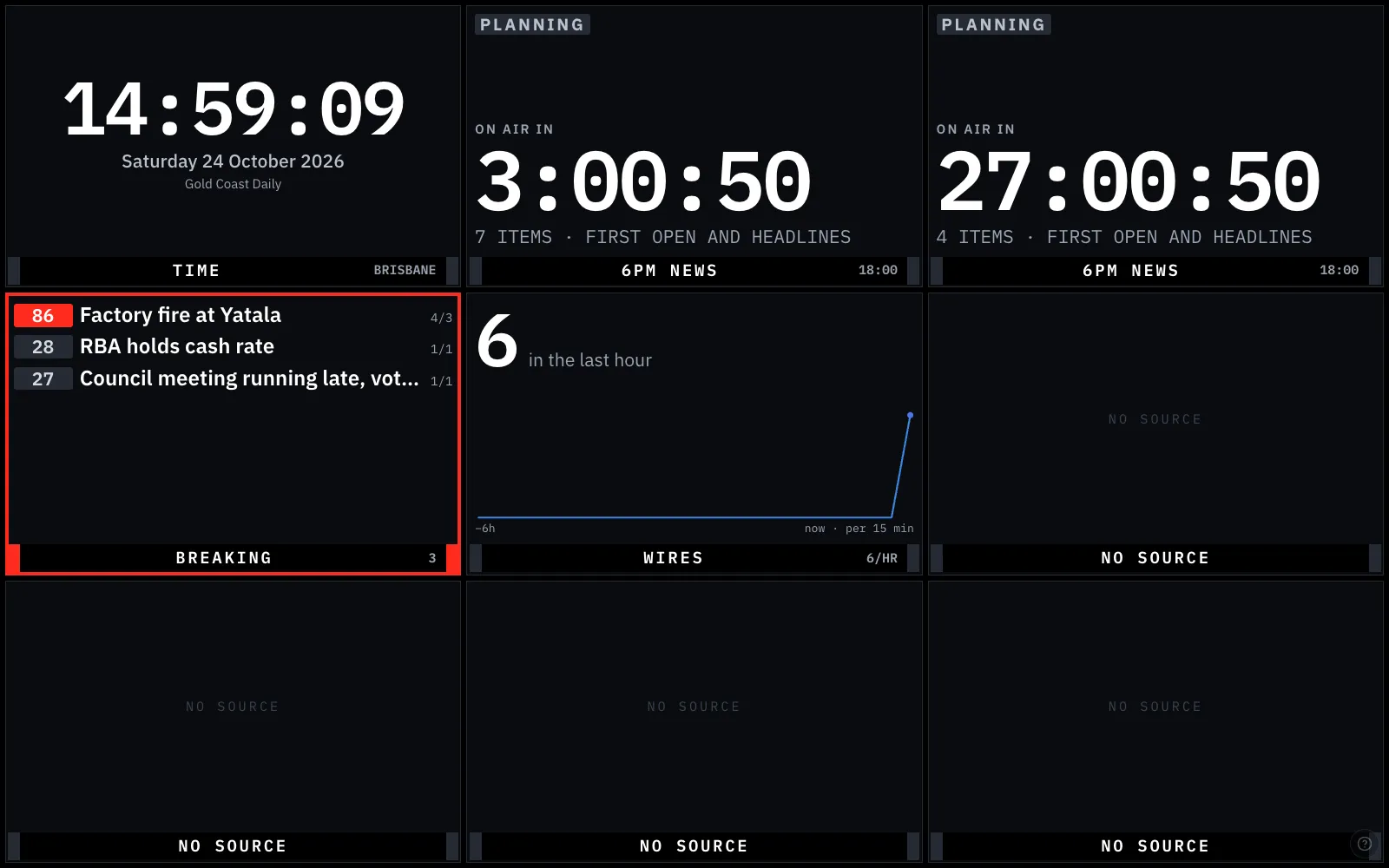
And
Built for the people who put the show to air
Browser prompter
Follows the rundown and the take, with mirror mode, speed and size control, and script edits arriving while it runs.
Control room page
Opens the gallery, prompter and wall, with recent shows' as-run timing.
Keyboard first
Every screen works from the keyboard: TAKE, scroll, jump, full screen.
Studio Gateway
MOS running orders for prompters, playout and graphics through an on-site gateway, in development.
See it with your newsroom's stories
We'll walk your team through Newsagent with your own desks, shows and channels, and talk through how you'd run it.