Media
Pictures and sound, ready the moment they land
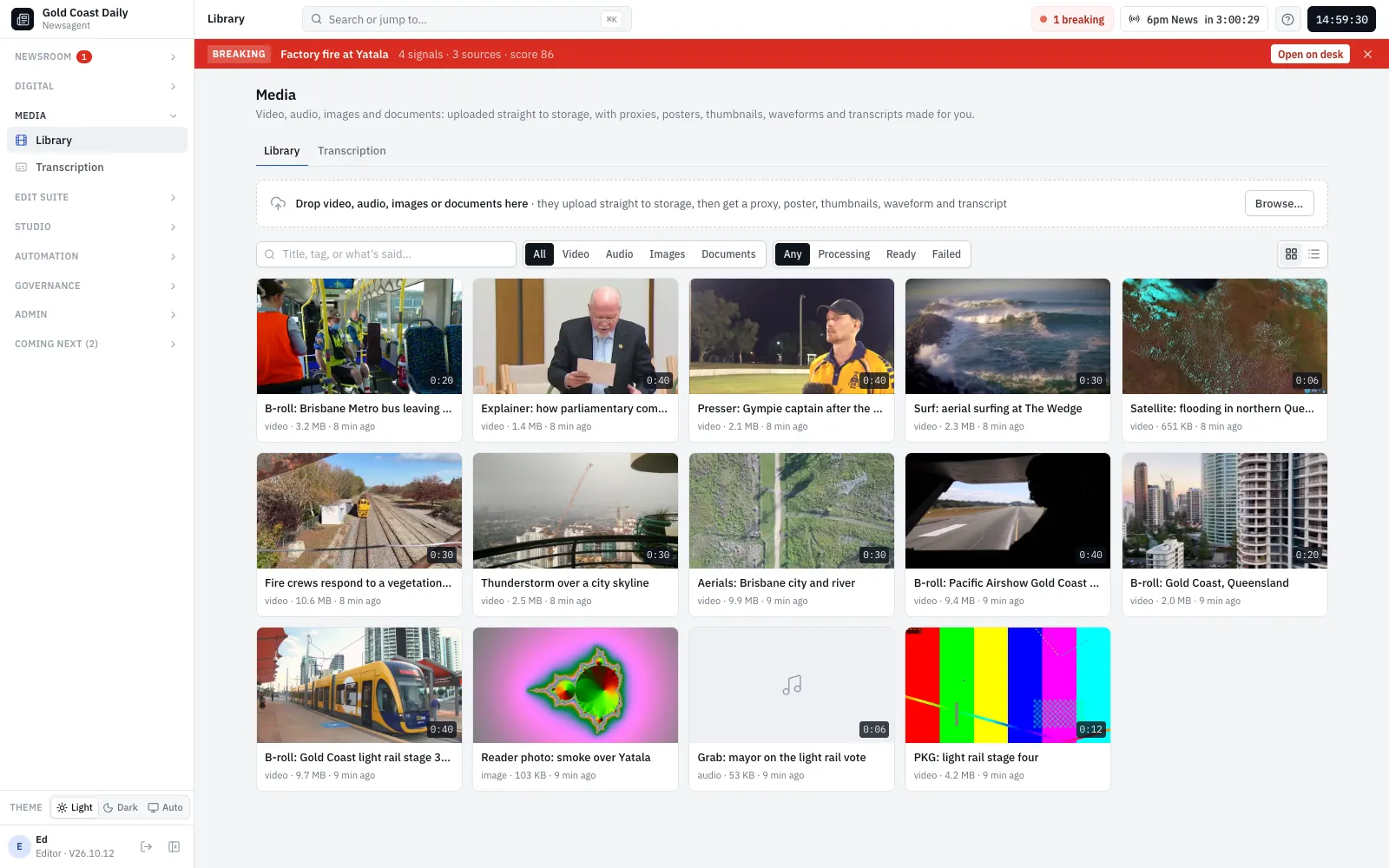
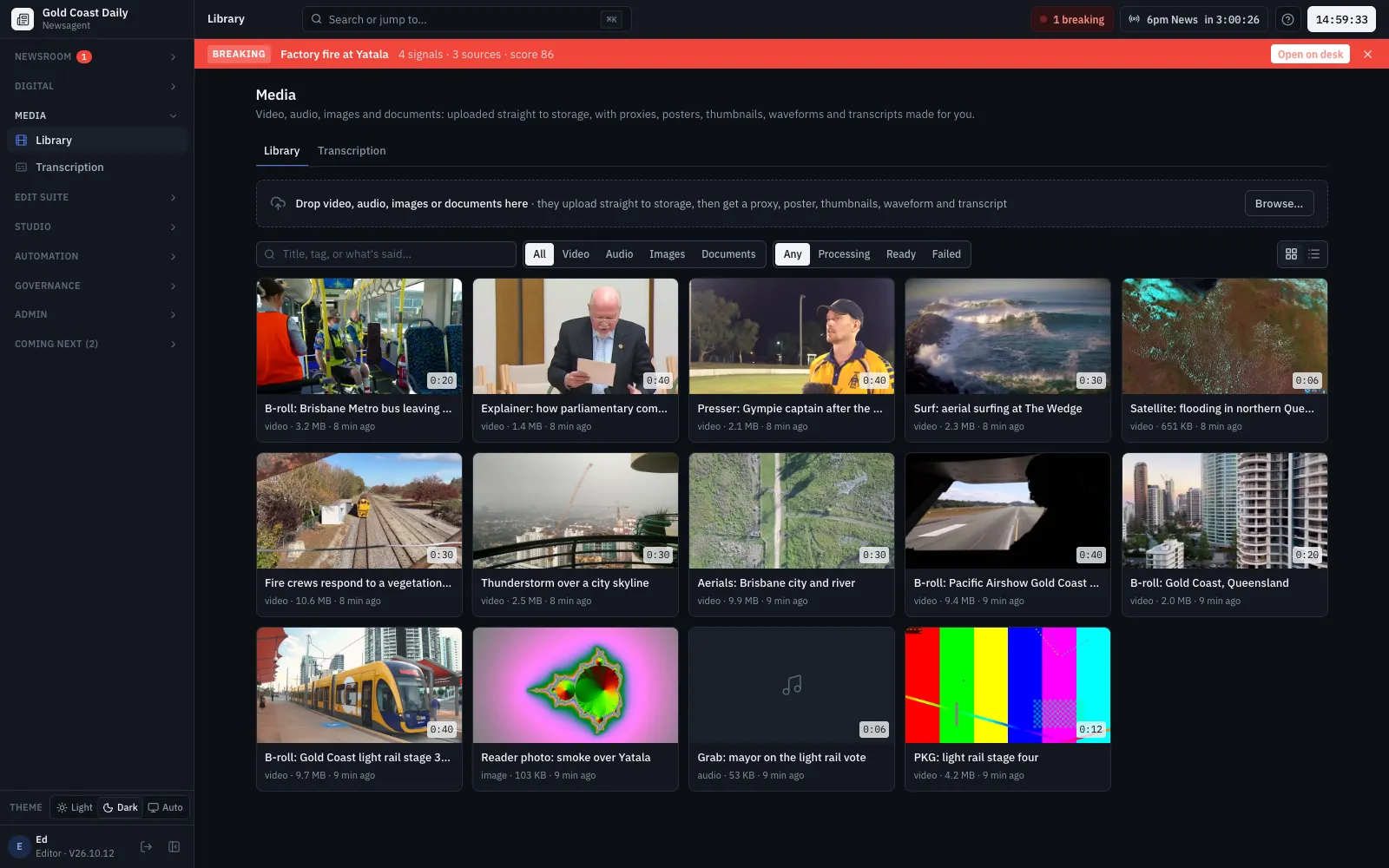
Upload straight to storage and Newsagent makes everything you need: a playable copy, a poster, thumbnails, a waveform, a timed transcript and loudness measured to broadcast standard. Then cut it in the edit suite.
Library
Everything about a clip, in one place
Direct upload
Files go from the browser straight to storage; processing starts when the upload completes.
Ready to play
A playable copy, poster, thumbnail strip and waveform for every clip, and loudness in LUFS.
Rights on every asset
Source, licence, author, attribution, restrictions, expiry and embargo, recorded with the clip.
Search by what's said
Find a clip by its title, its tags or the words in its transcript, and jump straight to the moment.
How it works
What happens to an upload
Transcription
Every word, timed, with speaker turns and captions
Deepgram or OpenAI
Deepgram's Nova-3 with Australian English and speaker labels, or OpenAI using the newsroom's own key. Each transcription records its cost.
Speaker turns
The transcript is laid out by speaker; name them once and the names follow the clip.
Captions
Captions on the player, and WebVTT or SRT downloads, built from the word timings.
Edit suite
Cut the package without leaving the newsroom
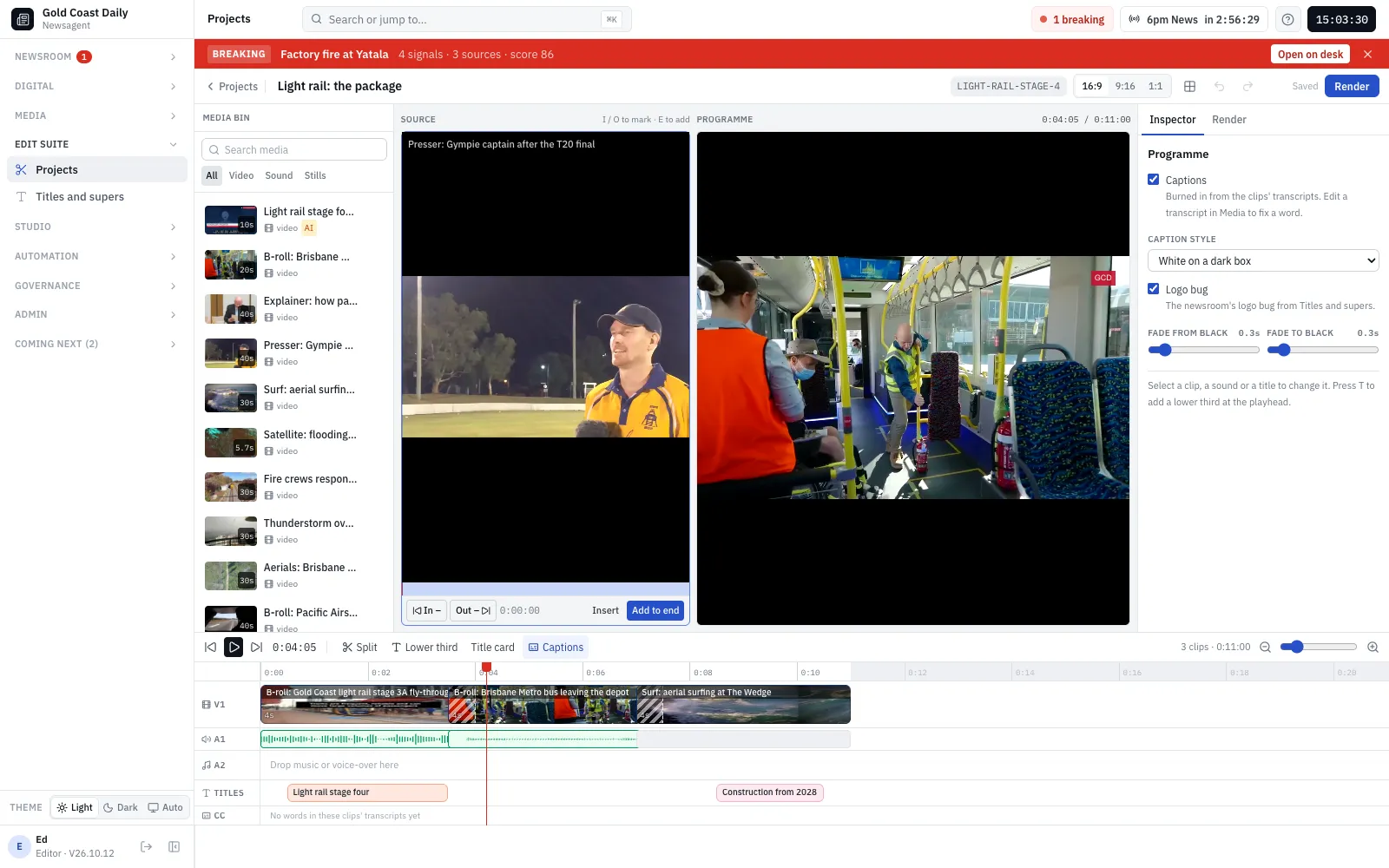
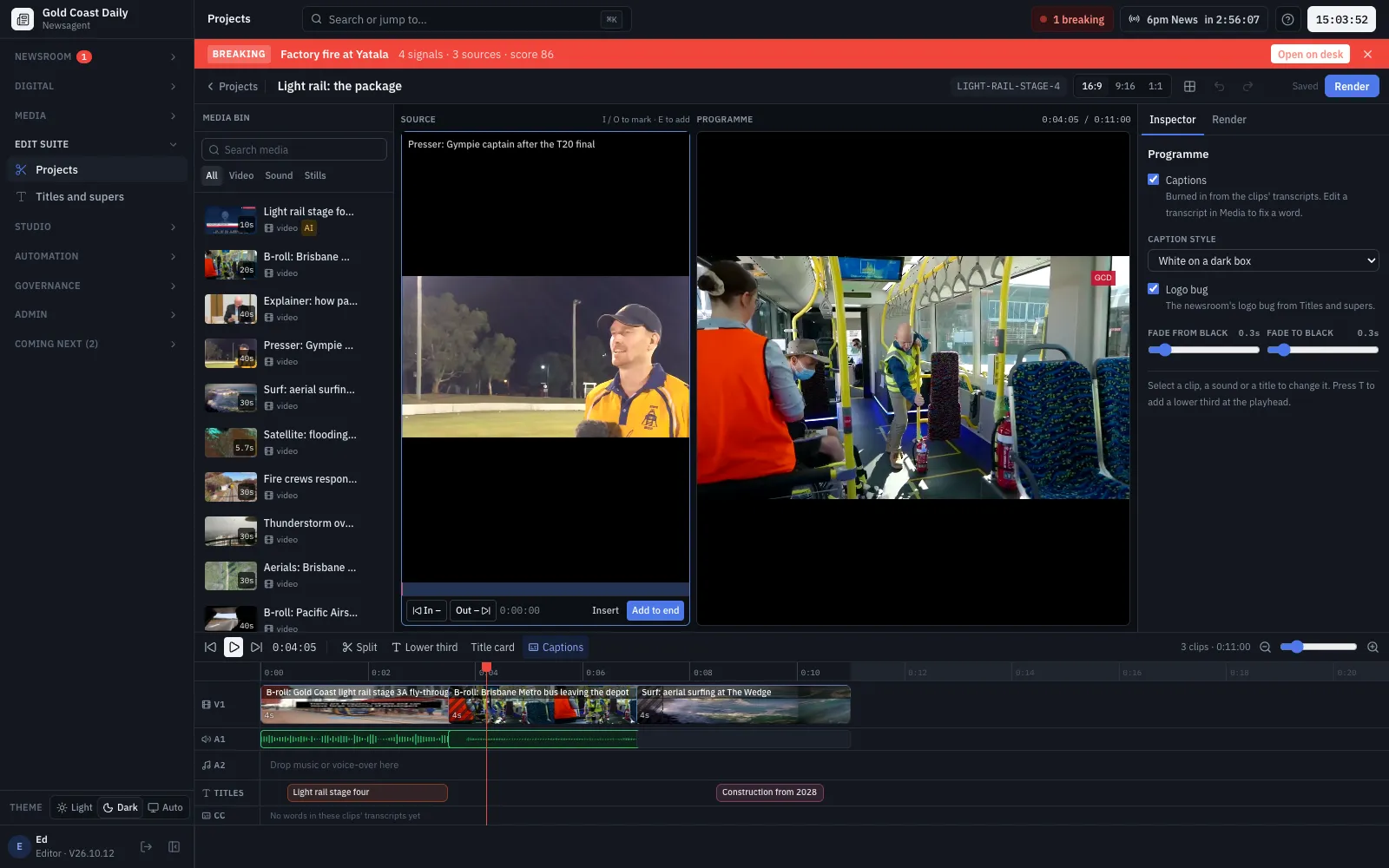
A browser edit suite for packages and social clips: mark in and out, trim, split and dissolve, add supers and titles, burn in captions from the transcripts, and render straight into the media library.
- Name supers, title cards and a logo bug from the newsroom’s templates
- 16:9, 9:16 and 1:1, with safe areas
- Keyboard editing: J/K/L, I/O, split, undo
- Loudness set for broadcast (−23 LUFS) or social (−16 LUFS)
How it works
From clips to a finished package
AI presenter
Talking heads, labelled and approved
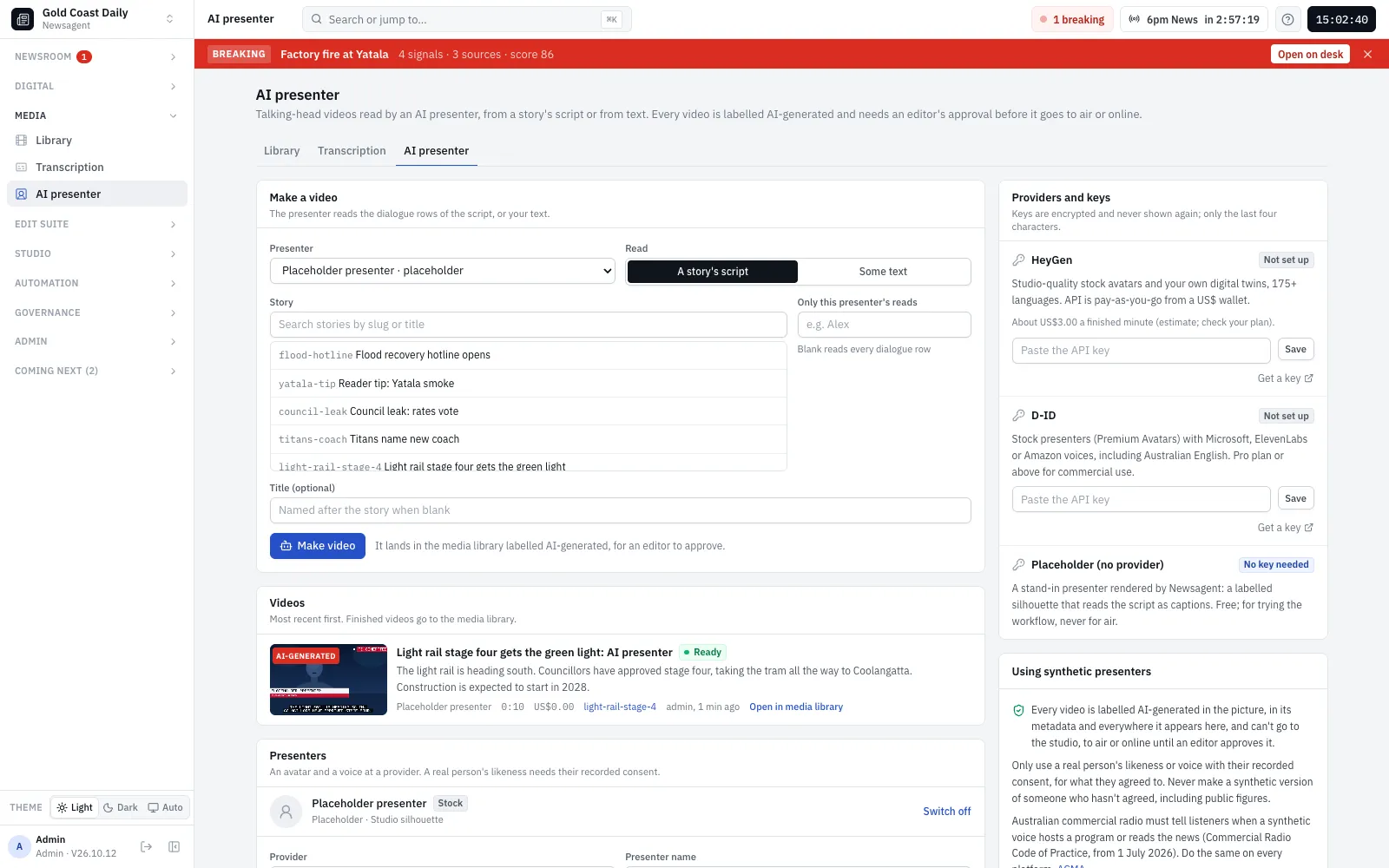
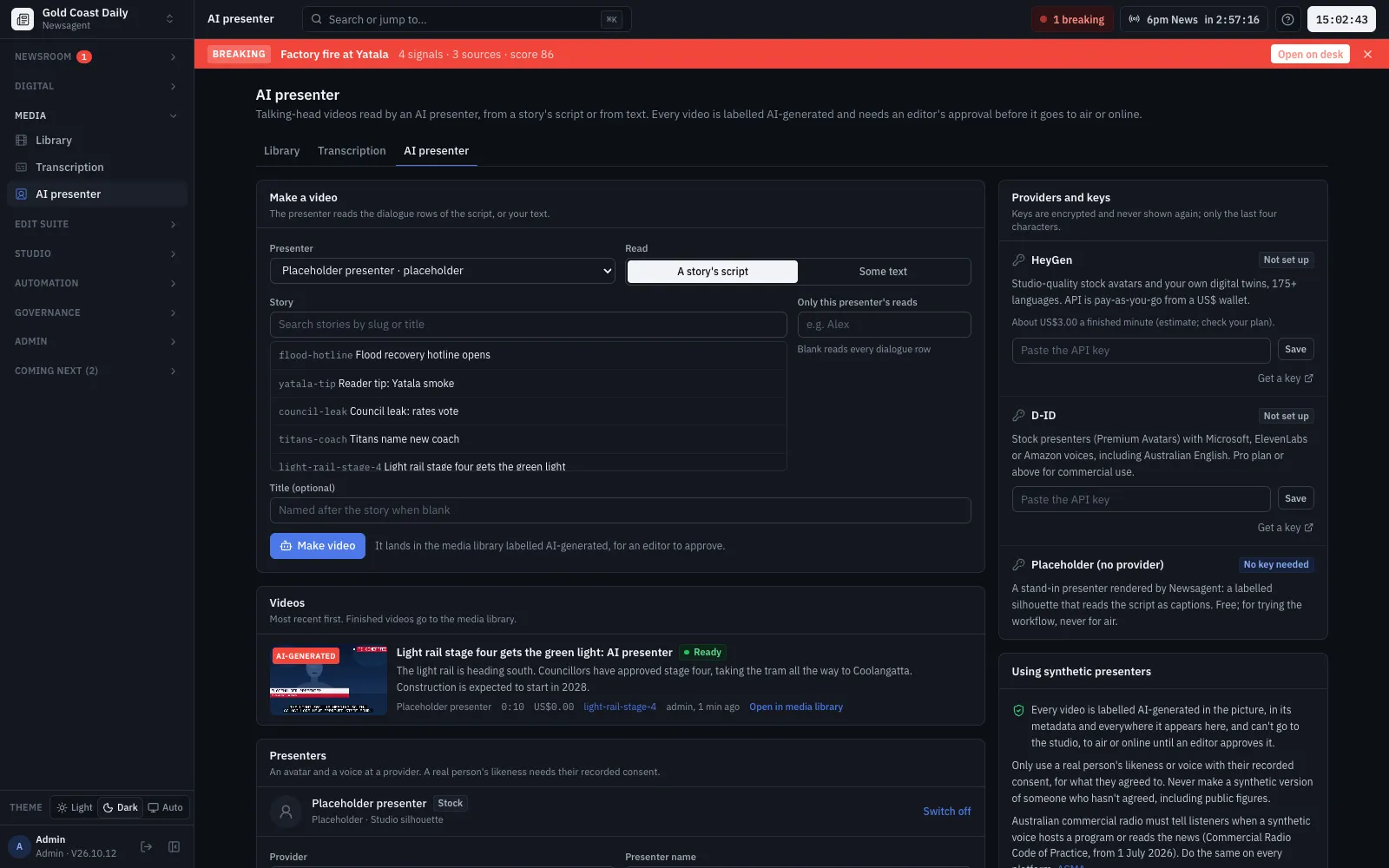
Turn a story’s script into a talking-head video with HeyGen or D-ID. The video arrives in the media library marked AI-generated with its disclosure line, and can’t go to air until an editor approves it.
- Stock avatars, or custom ones only with a recorded consent
- A disclosure line per presenter, for audiences and broadcast codes
- Anything edited from an AI-generated clip is AI-generated too
Read on
Go deeper
Footage in the screenshots
Freely licensed footage from Wikimedia Commons, used under these licences:
- “Gold Coast Light Rail Stage 3A fly-through” by TMRQld, CC BY 3.0
- “Gold Coast – Queensland – 2026” by Nesnad, CC BY 4.0
- “Aerial views over Brisbane” by Oof Media, CC BY 3.0
- “Ashburton Fire Responding” by NZ Emergency Group, CC BY 3.0
- “Thunderstorm Kuala Lumpur skyline” by Pradana Aumars, CC BY-SA 4.0
- “Aerial Surfing” by Daniel Peckham, CC BY 3.0
- “Gympie Gold XI T20 presser” by PattmanSport / Patrick Gillett, CC BY-SA 4.0
- “Australian Parliament: Parliamentary Committees” by Parliamentary Education Office, CC BY 3.0
- “Gold Coast Air Show 2026 b-roll” by USMC, Public domain
- “Flooding in Northern Queensland” by CSU/CIRA and NOAA/NESDIS, Public domain
- “Brisbane Metro bus, Eagle Farm” by John Robert McPherson, CC0
See it with your newsroom's stories
We'll walk your team through Newsagent with your own desks, shows and channels, and talk through how you'd run it.